Quick Look almost anything.
Just press Space.
250+ file types your Mac won't preview by itself — folders, archives, source code, ebooks — rendered right inside Quick Look.
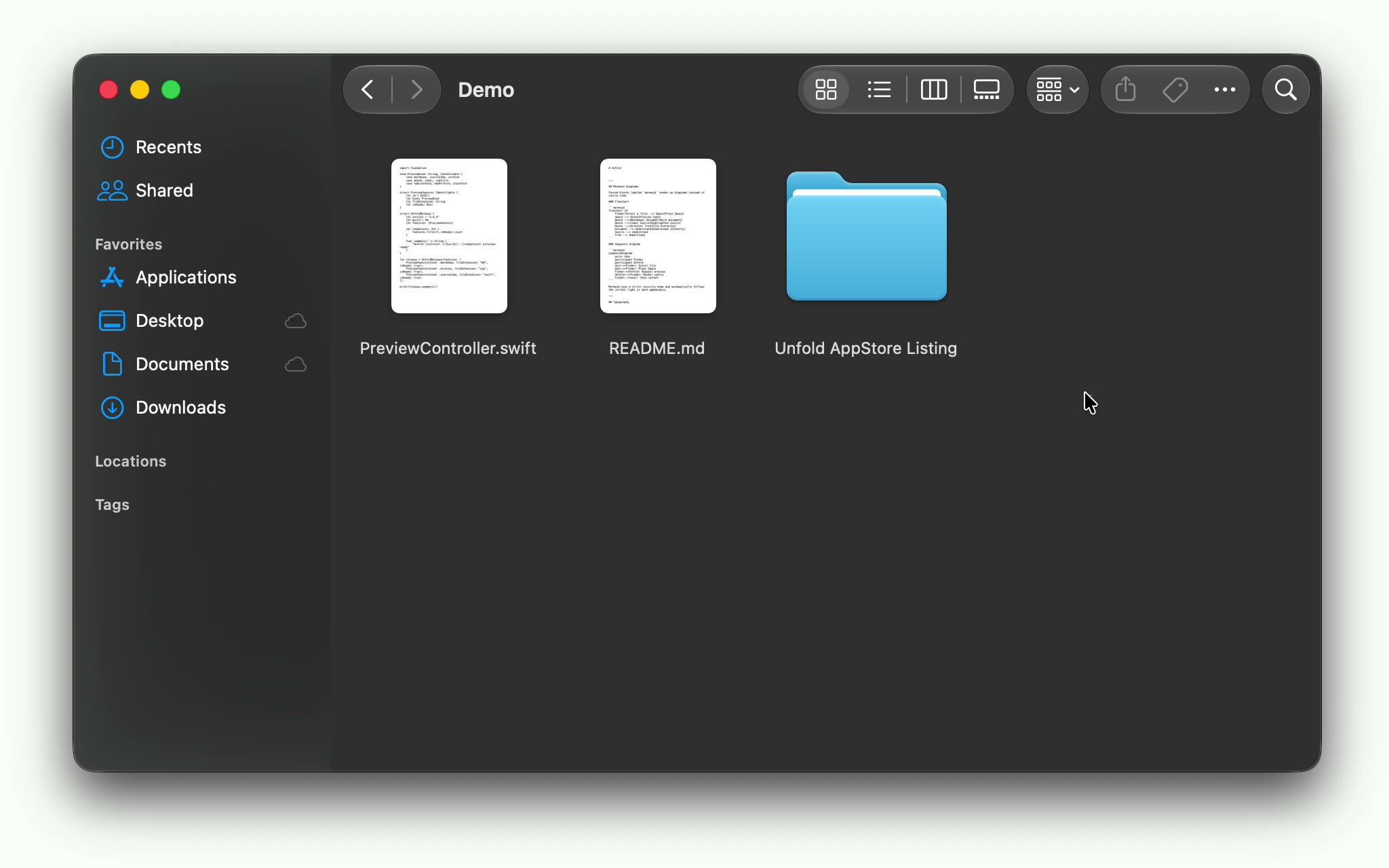
Everyday files, without opening them.
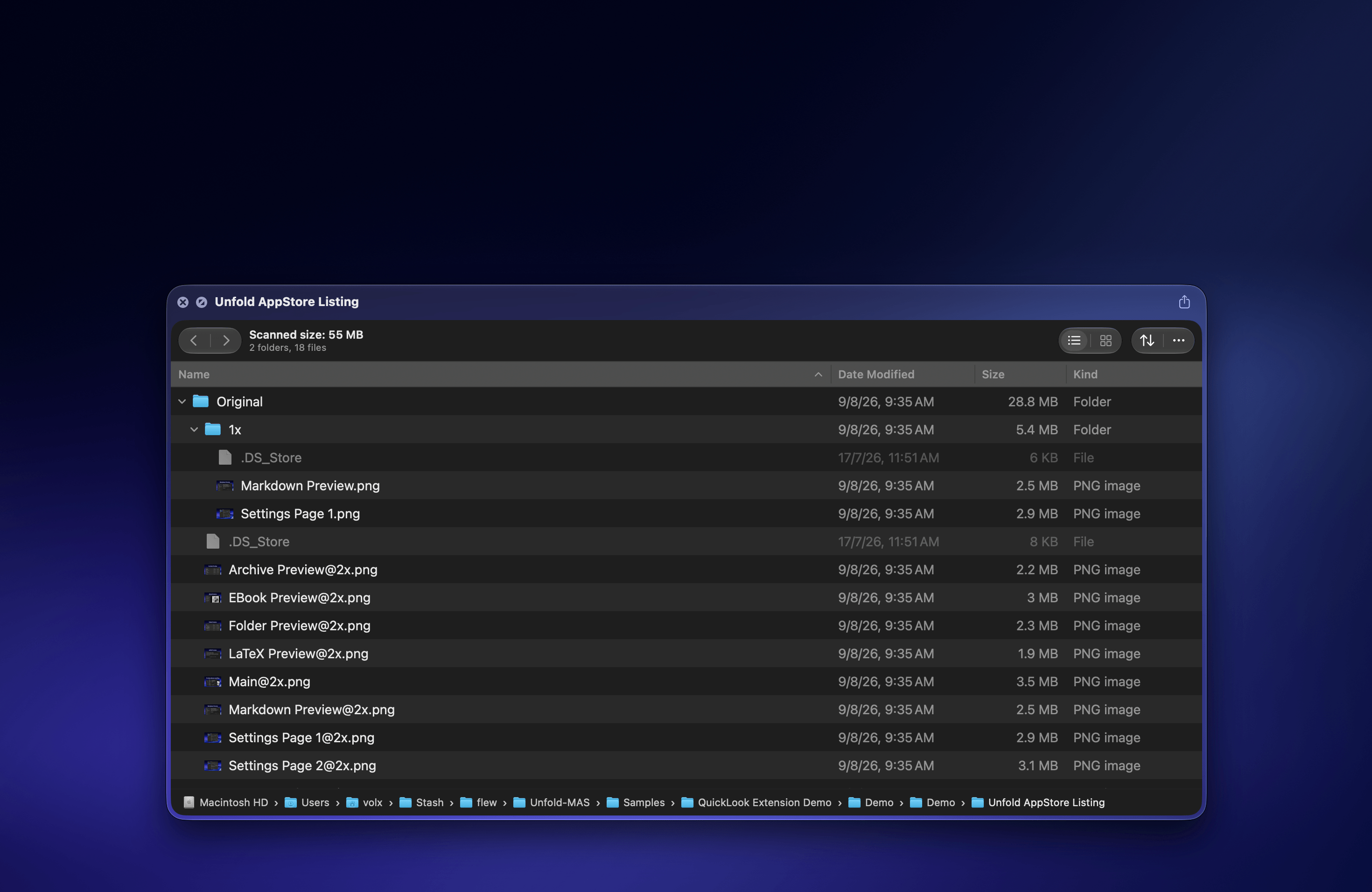
Folders
It totals the size of everything inside.
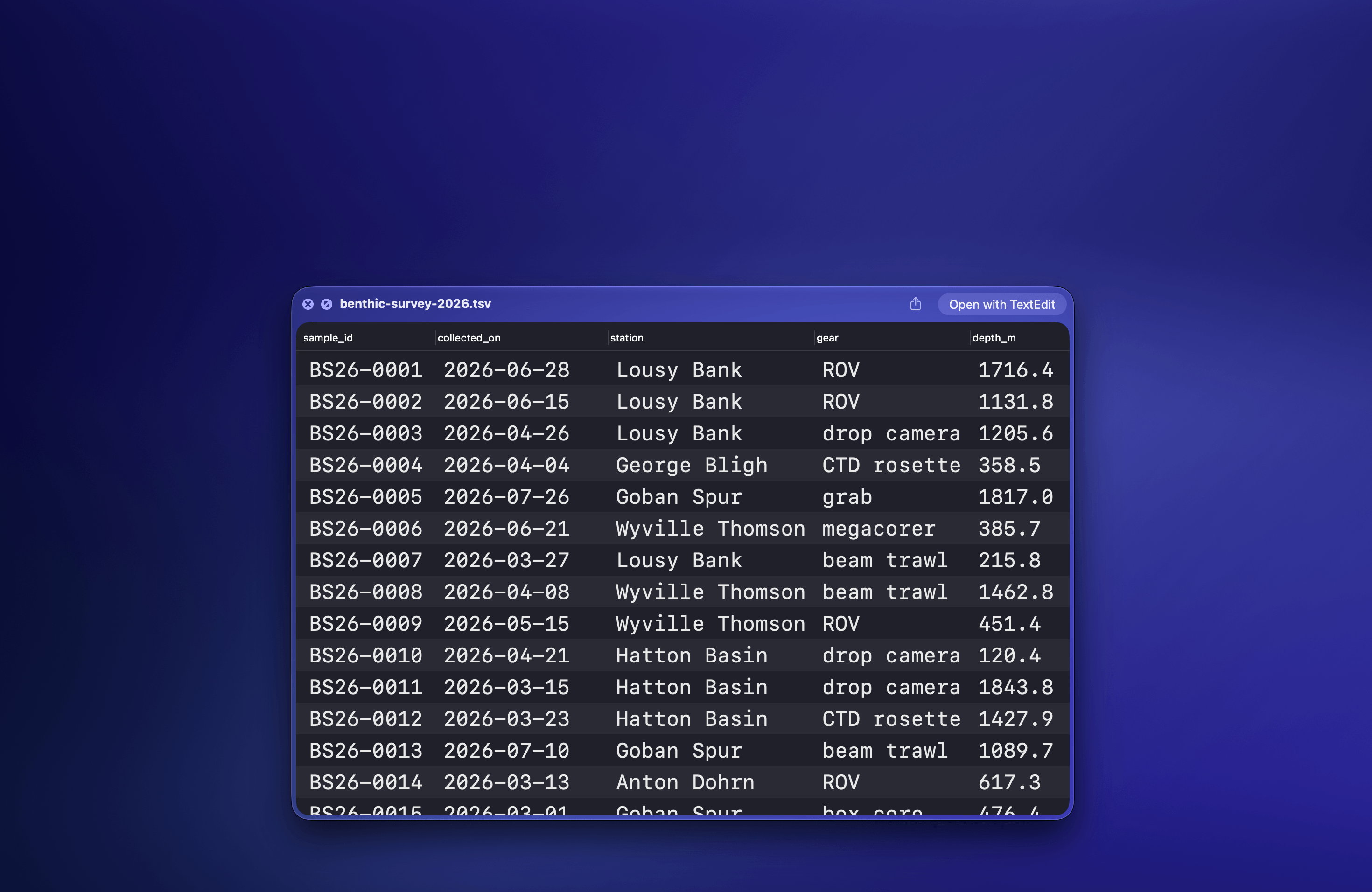
Tabular data
Columns as columns, not as commas.
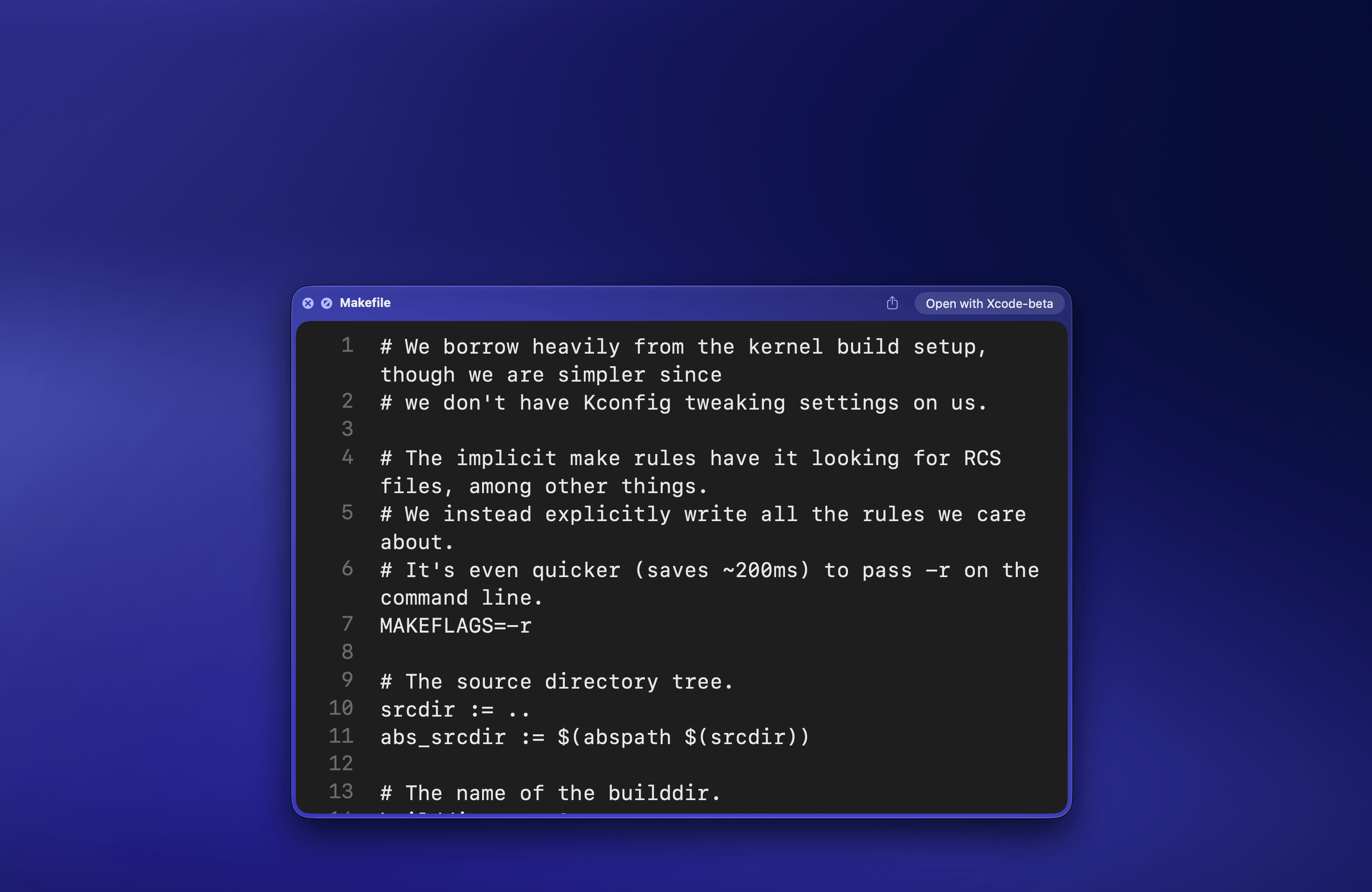
Plain text
The long tail of text files macOS leaves blank.
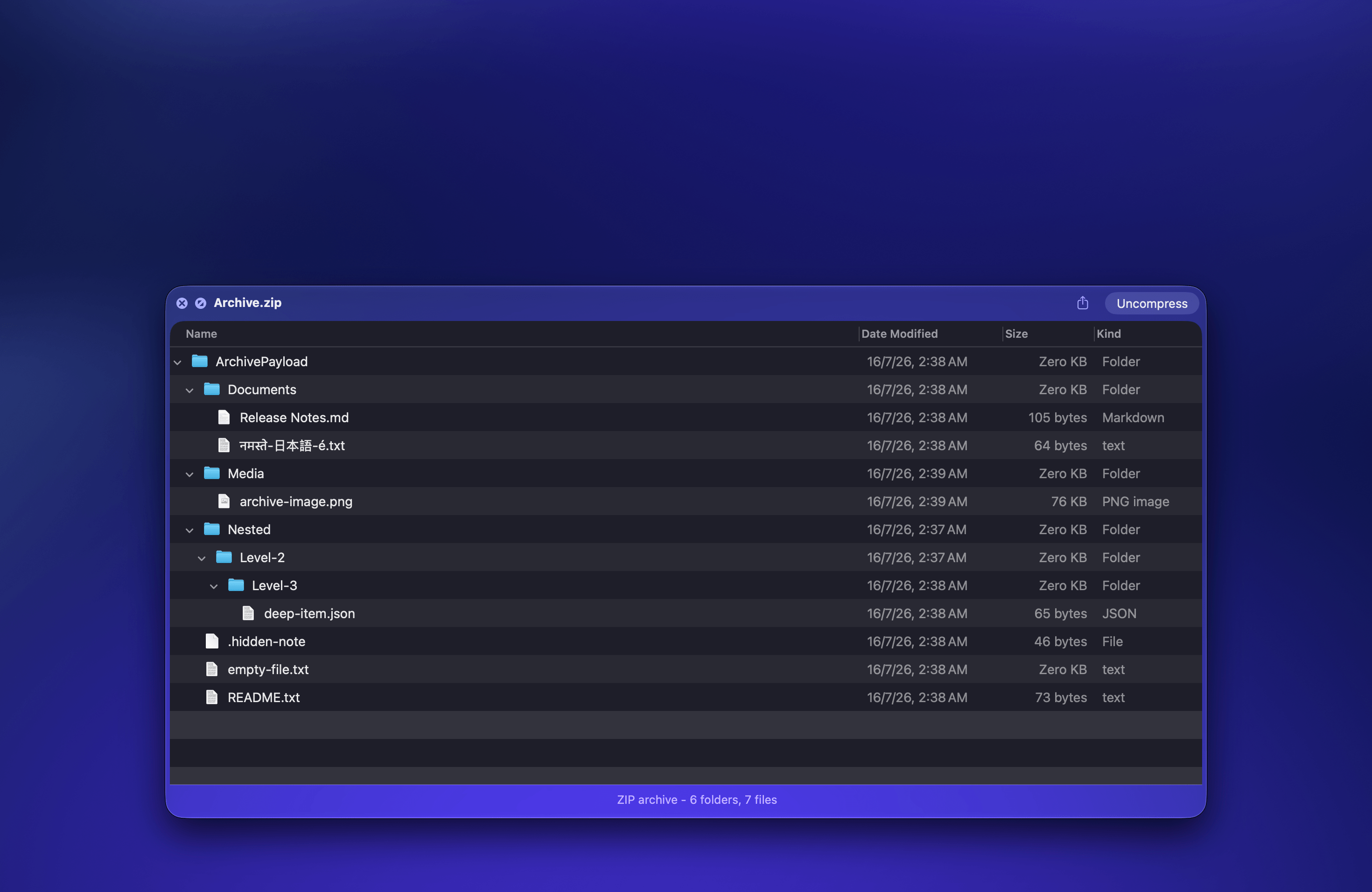
Archives
No unpacking a RAR or 7z just to see one file.
Documents and code, without opening an editor.
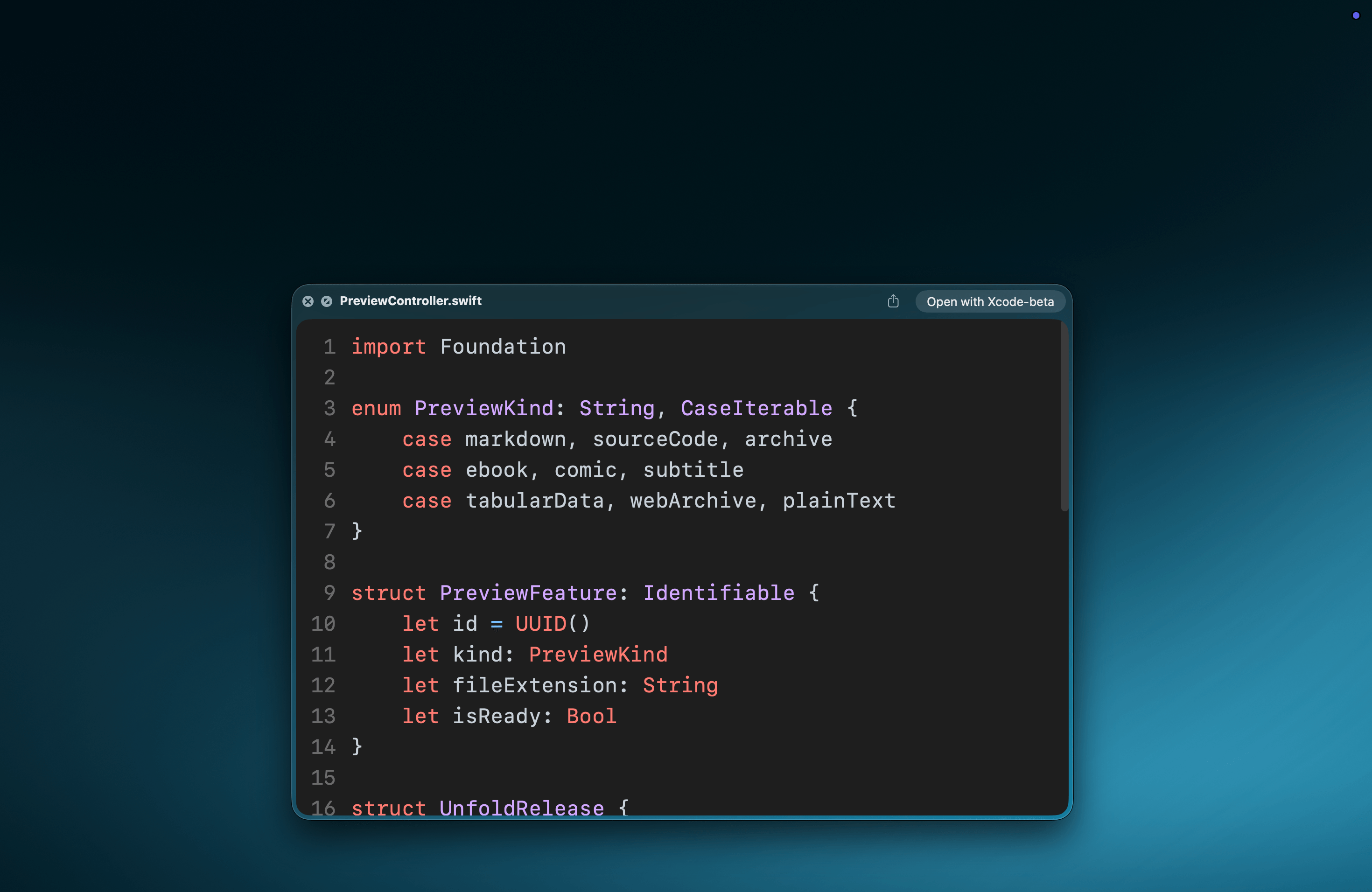
Source code
Every language you'd expect, and plenty you wouldn't.
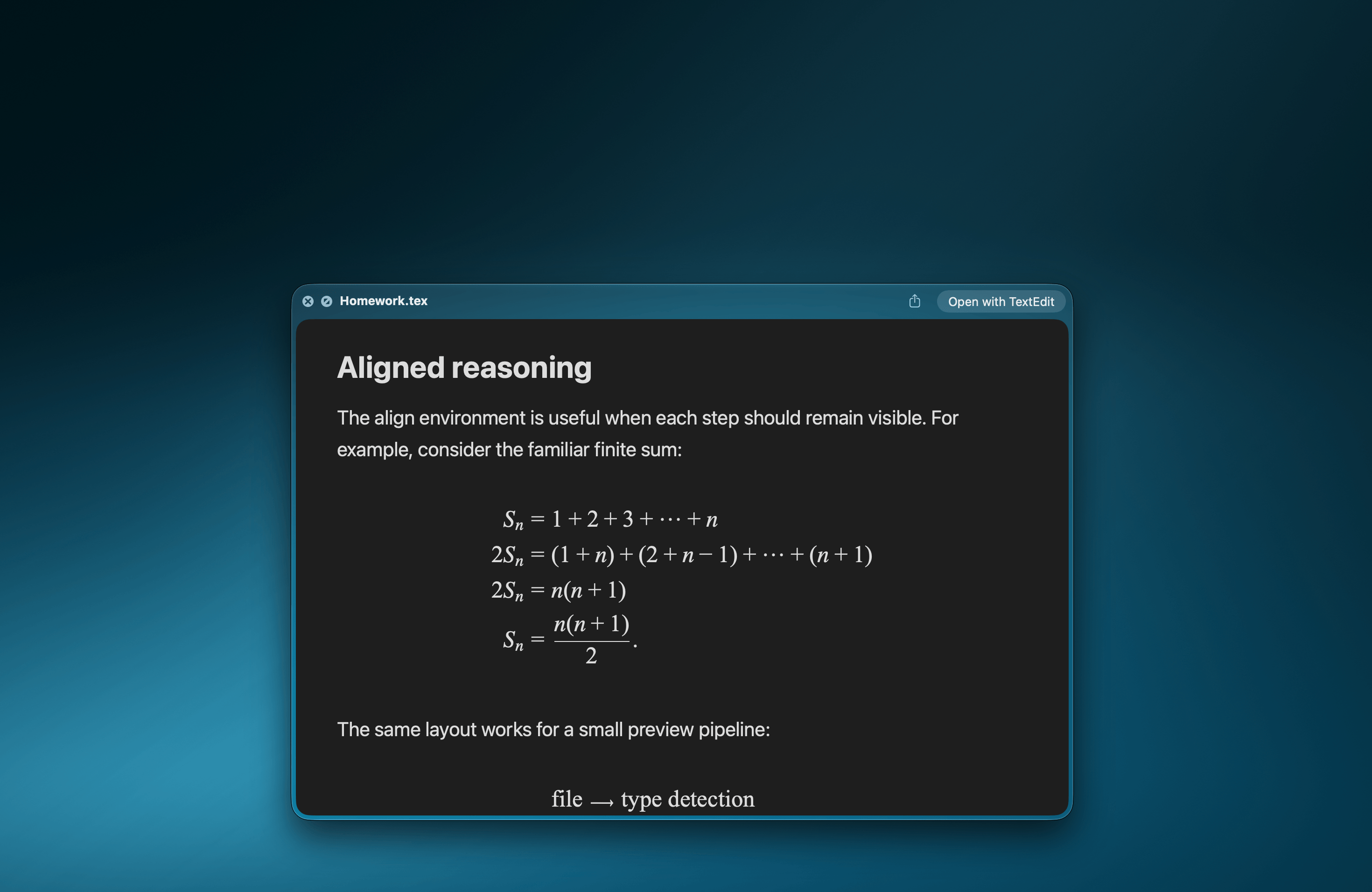
LaTeX
Display equations and inline math.
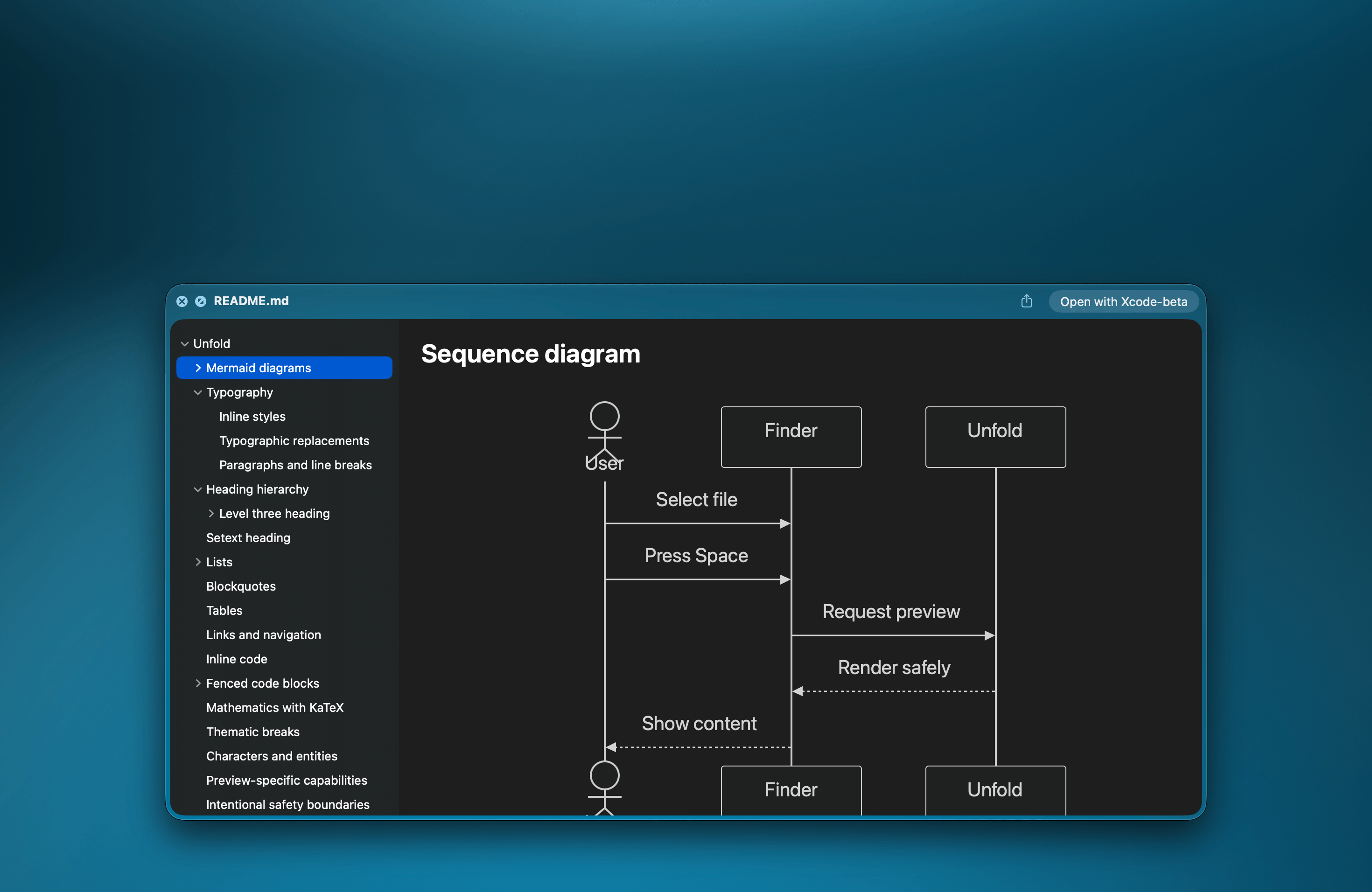
Markdown
Diagrams, math, and a sidebar to jump by heading.
Obscure formats, without hunting for an app.
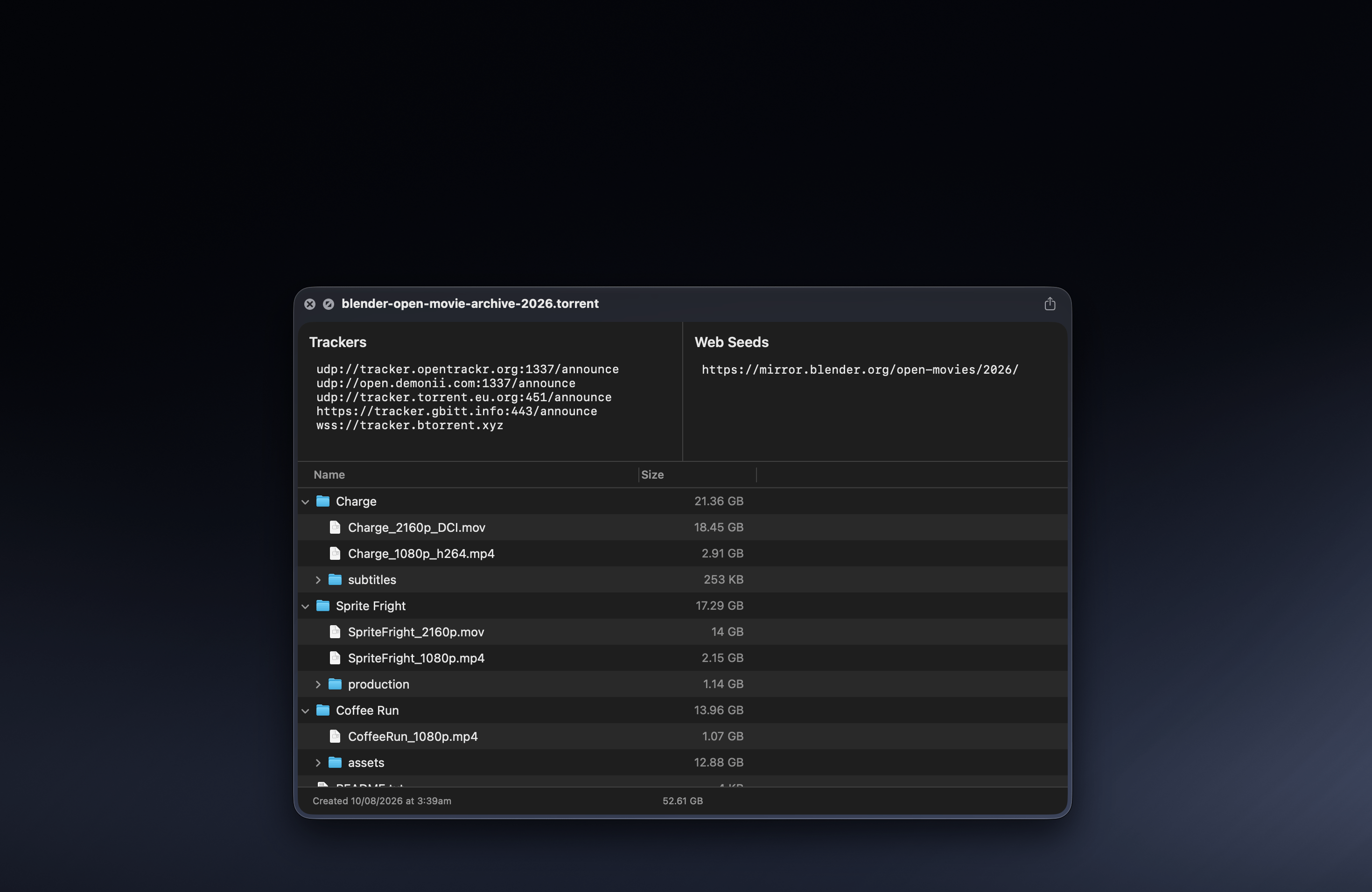
Torrents
What is in it and how big, without opening a client.
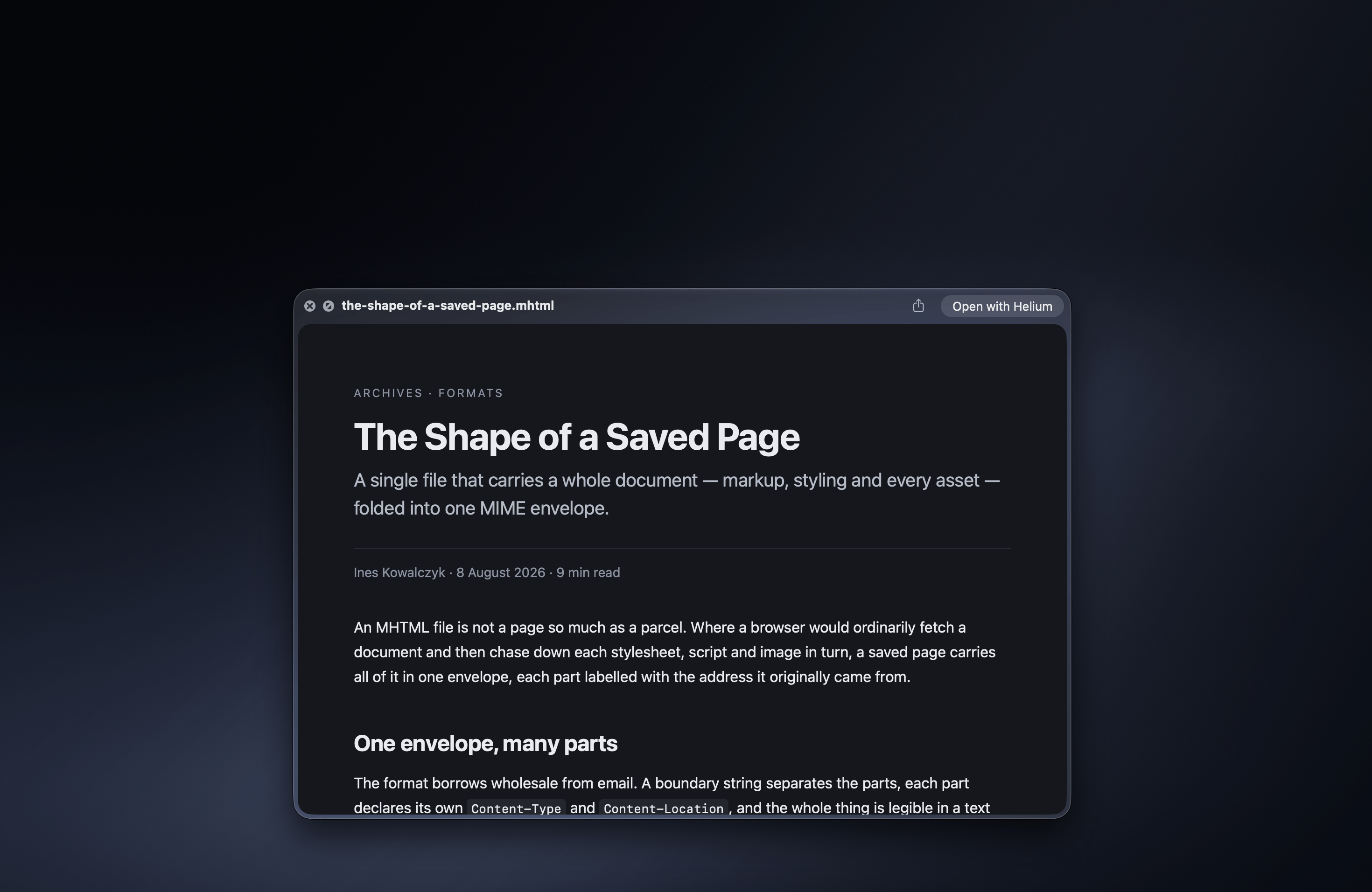
Web archives
Saved pages, rendered as pages.
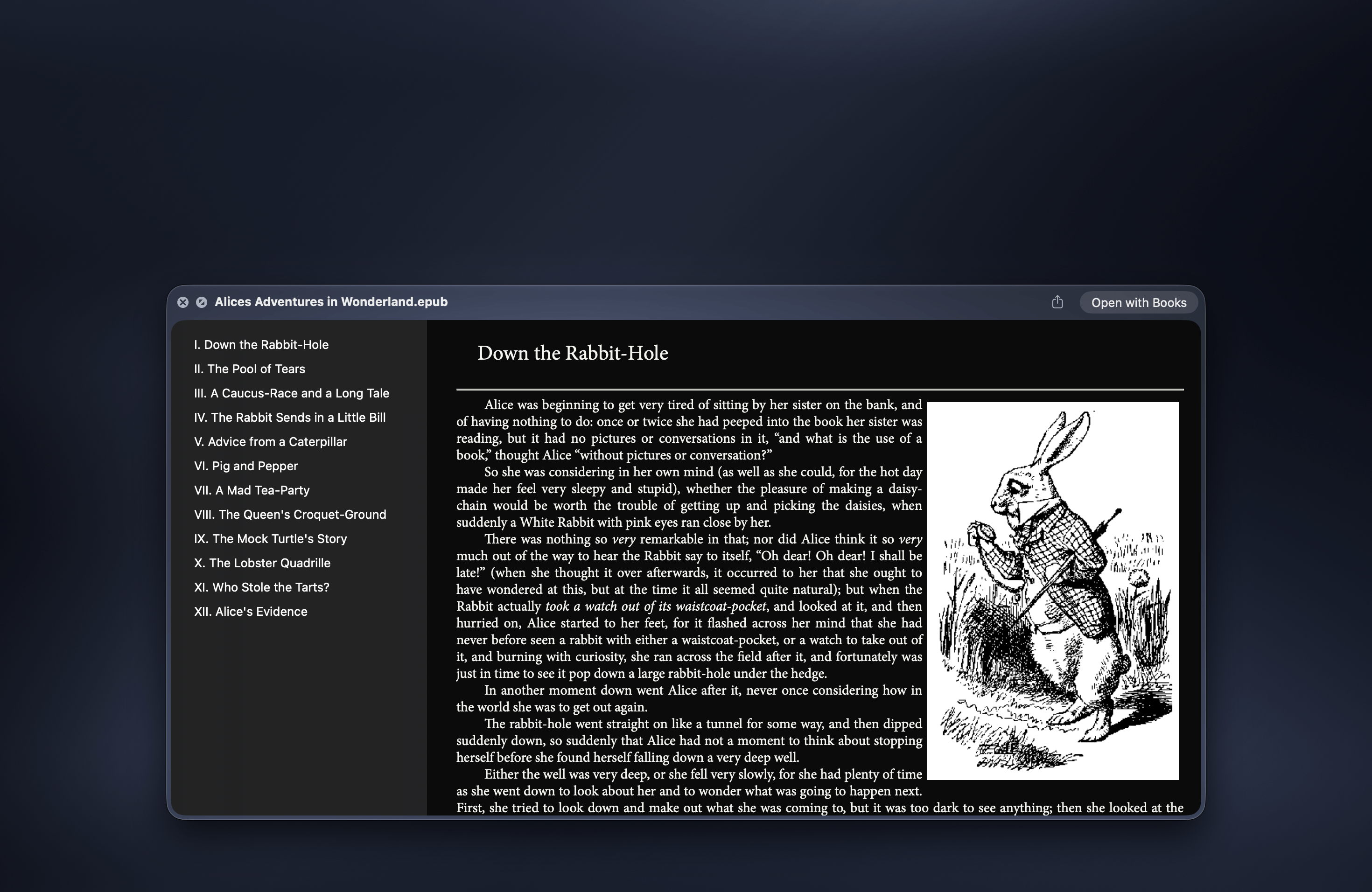
Ebooks and comics
Chapters, illustrations, and comic archives.
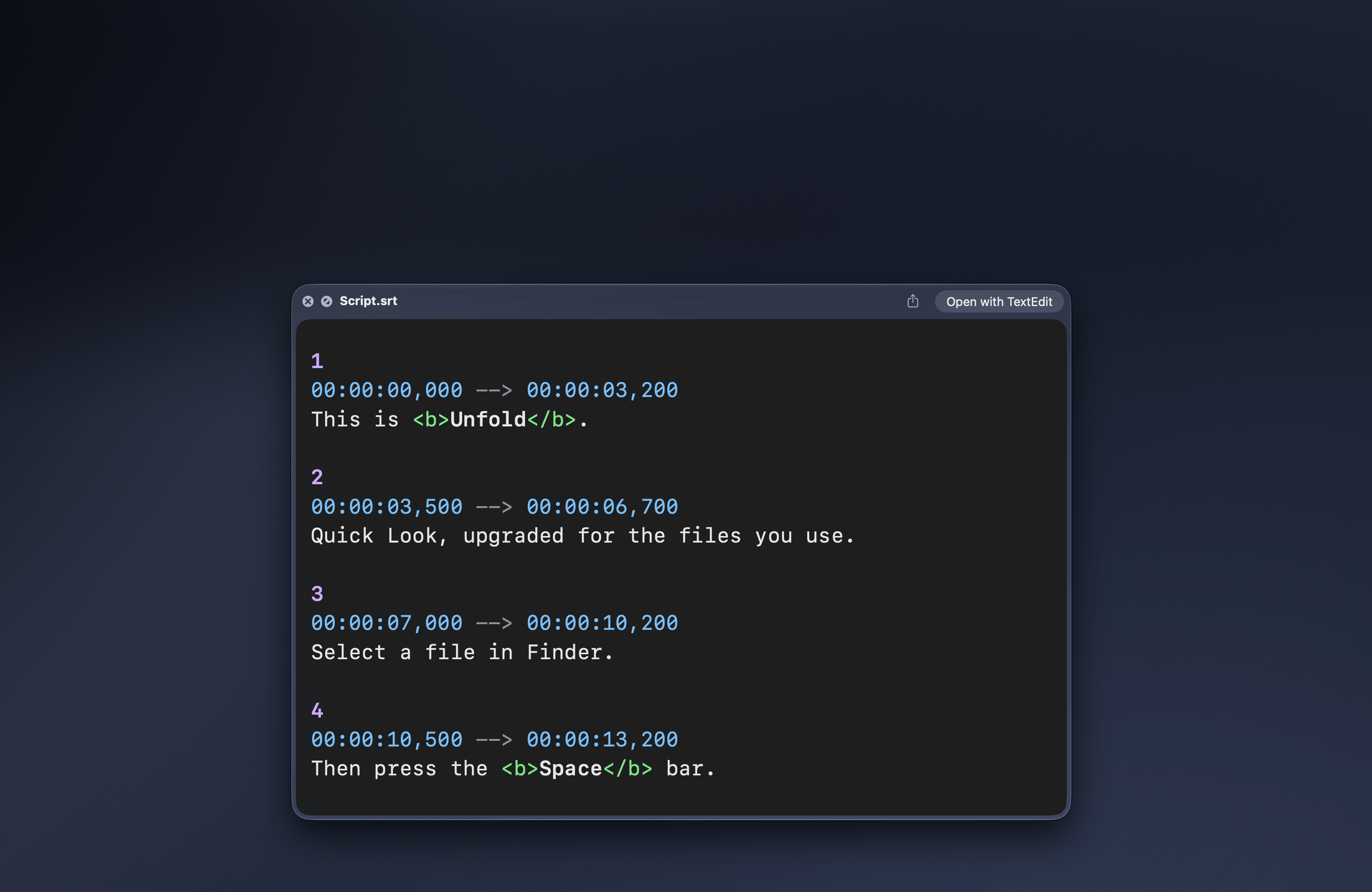
Subtitles
Read the captions before you match them to a video.
Applications
What an .app actually is, before you run it.
Only the previews you want. Turn off what you don't.
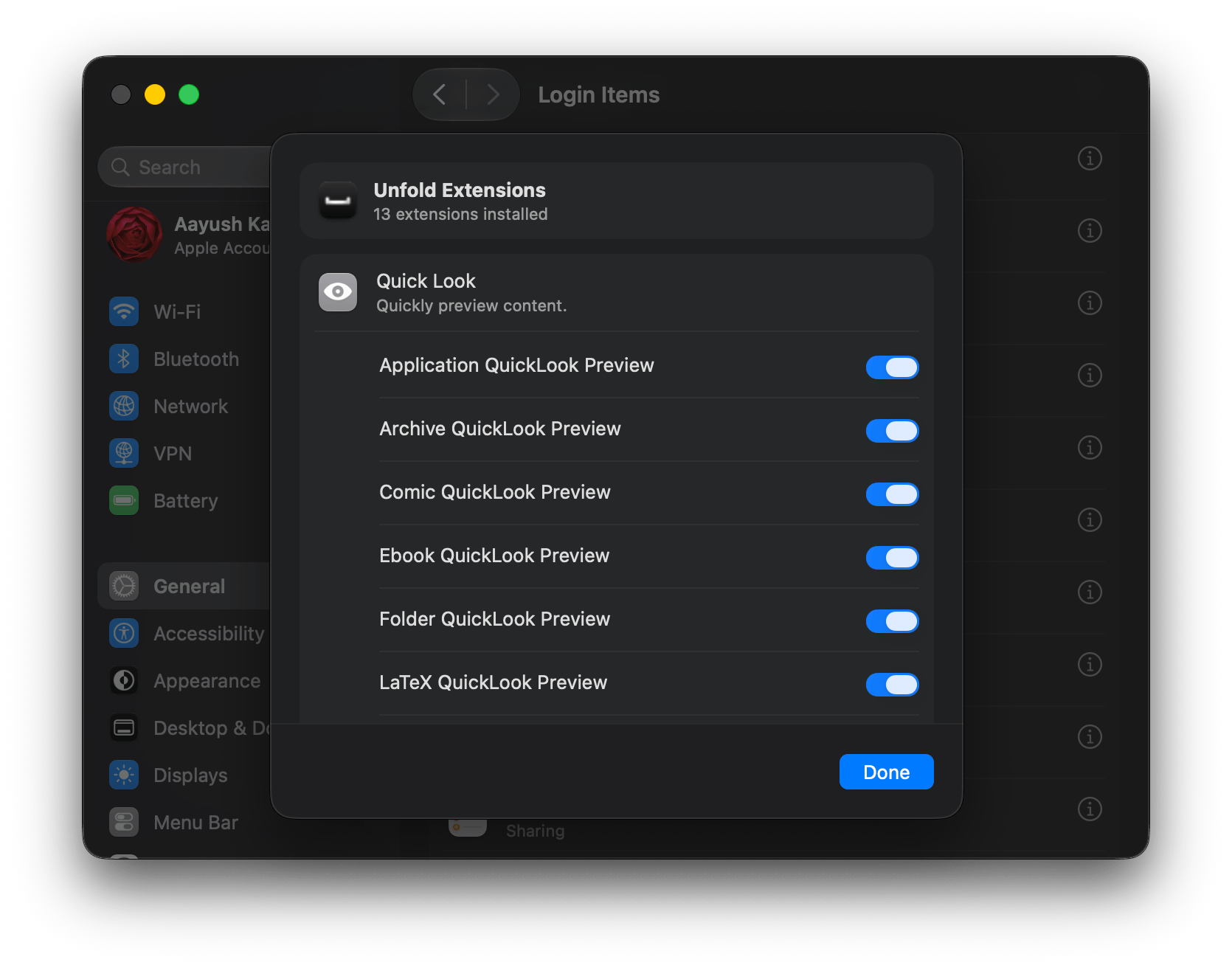
Every extension Unfold supports.
- folders
- app
- torrent
- mht
- mhtml
- ala
- asm
- code-workspace
- command
- err
- fountain
- gemspec
- gmk
- graphqls
- gro
- hcl
- itp
- log
- mak
- make
- mdp
- mk
- ndx
- nfo
- out
- sif
- strings
- terminal
- text
- tfs
- tool
- top
- txt
- xvg
- cbr
- cbz
- epub
- fb2
- apib
- ipynb
- markdown
- md
- mdc
- mdown
- mdtext
- mdtxt
- mdwn
- mdx
- mermaid
- mkd
- mkdn
- mkdown
- mmd
- qmd
- rmarkdown
- rmd
- textbundle
- bib
- latex
- ltx
- tex
- applescript
- astro
- awk
- bash
- bat
- c
- c++
- canvas
- cc
- cfg
- cjs
- clj
- cljc
- cljs
- cls
- cmake
- cmd
- conf
- config
- cp
- cpp
- cs
- csh
- csproj
- css
- cts
- ctx
- cu
- cxx
- diff
- dockerfile
- edn
- el
- elm
- entitlements
- erb
- erl
- ex
- exs
- fish
- frag
- fragment
- fragsh
- fs
- fsh
- fsx
- glsl
- go
- gql
- gradle
- graphql
- groovy
- h
- h++
- haml
- heex
- hh
- hp
- hpp
- hs
- hxx
- ini
- ino
- ipp
- jav
- java
- javascript
- jl
- js
- jscript
- json
- json5
- jsonc
- jsonl
- jsx
- ksh
- kt
- kts
- less
- lhs
- lisp
- lsp
- lua
- luau
- m
- mjs
- ml
- mli
- mm
- mobile
- mobileconfig
- mts
- ncx
- nim
- nix
- opf
- patch
- ph3
- ph4
- php
- php3
- php4
- phtml
- pl
- plist
- pm
- podspec
- properties
- props
- proto
- ps1
- psd1
- psm1
- py
- py3
- pyi
- r
- rb
- rbw
- resolved
- rhtml
- rkt
- rs
- sass
- sbt
- sc
- scala
- scm
- scss
- sh
- sol
- sql
- ss
- storyboard
- stringsdict
- sty
- svelte
- swift
- targets
- tcl
- tcsh
- texi
- tf
- tfstate
- tfvars
- toml
- twig
- v
- vert
- vertex
- vhd
- vhdl
- vim
- vl
- vs
- vsh
- vue
- wat
- webmanifest
- wgsl
- wsdl
- xcscheme
- xhtml
- xib
- xml
- xsd
- xsl
- yaml
- yml
- zig
- zon
- zsh
- 7z
- bz
- bz2
- gtar
- gz
- gzip
- rar
- tar
- tar.bz2
- tar.gz
- tar.xz
- tbz
- tbz2
- tgz
- txz
- xz
- zip
- tab
- tsv
- ass
- lrc
- sami
- sbv
- smi
- srt
- ssa
- sub
- ttml
- vtt
Loved by Mac users.
“The source code preview with actual text selection is the part that got me. quick look is great for a quick scan but the second you want to copy a function signature or a snippet you have to open the file anyway. Being able to select from the preview closes that loop.”
u/Only-Pudding9569 on r/macapps “You had me at epub support, insta bought”
u/a_deneb on r/macapps “I love the LaTeX feature”
u/tkslucas on r/macapps “nice app :) i bought it. at first it didnt work for my .md files, but i found i had multiple QuickLook extensions enabled for it. So if people run into that, just make sure to enable only this app.”
u/retro-guy99 on r/macapps “Nice dude, looks clean/native!”
u/focusfoundry on r/MacOS “this is especially useful for markdown and txt files”
u/Gorgottz on r/macapps “The fragmentation of Quick Look plugins has always been annoying. Nice to see someone finally tackle this properly.”
u/Fickle-Theme5348 on r/macapps “Super useful! I don’t like how quick look has stayed the same for so many years”
u/svdomer09 on r/macapps “I love quick preview, this app makes it better!”
u/suck_naming_things on r/macapps
Ready to Quick Look quicker?
Try for free
 macOS Sequoia (15.6) or later